Used EV Northwest · usedevnorthwest.com · Joe Paulhus
Used Tesla Pre-Purchase Checklist (Printable)
Personal opinion, not affiliated with any dealership.
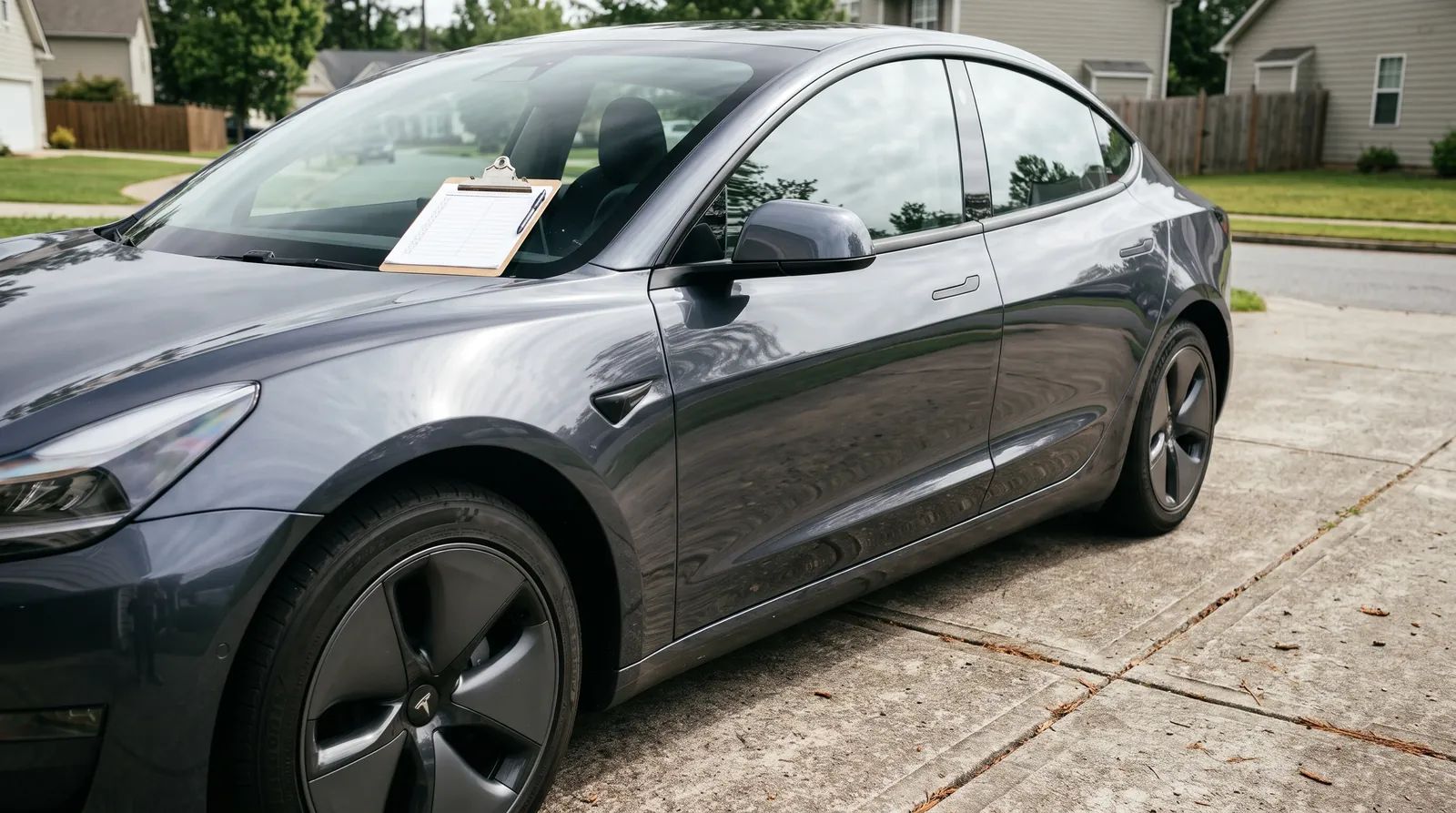
Print this and take it with you. ☐ = check it off.
I've bought and sold hundreds of Teslas, and the biggest lesson is to check the car in front of you, not the year on the title. Tesla changes hardware mid-year, so two cars from the same model year can be built differently. My order: I start outside (body, glass, underneath, tires), then go through every control inside, then the software screens and the battery, and finish with the drive. This checklist follows that order.
1. Paperwork and history (before you drive over)
- ☐ VIN matches the title, the car's screen (Controls > Software) and the windshield
- ☐ Open recalls checked at nhtsa.gov/recalls [1]. Most Tesla recalls are fixed over the air, but confirm any that need a shop visit were done.
- ☐ Title status (clean, salvage, rebuilt) and a history report
- ☐ Original in-service date, to work out remaining warranty. On current cars (Oct 2026): battery 8 yr with 100k or 120k mi on Model 3/Y and 150k on Model S/X, basic 4 yr / 50k. Older cars keep the terms they were sold with. [2]
- ☐ Ask for service history from the Tesla app (seller can screenshot it)
- ☐ Private seller: ask them to charge the car to 100% before you come (see section 7)
- ☐ Washington: the federal used EV credit doesn't apply to cars acquired after Sept 30, 2025 [3], and the state EV sales-tax exemption ended July 31, 2025 [4]. Budget for sales tax.
2. Outside: body and paint
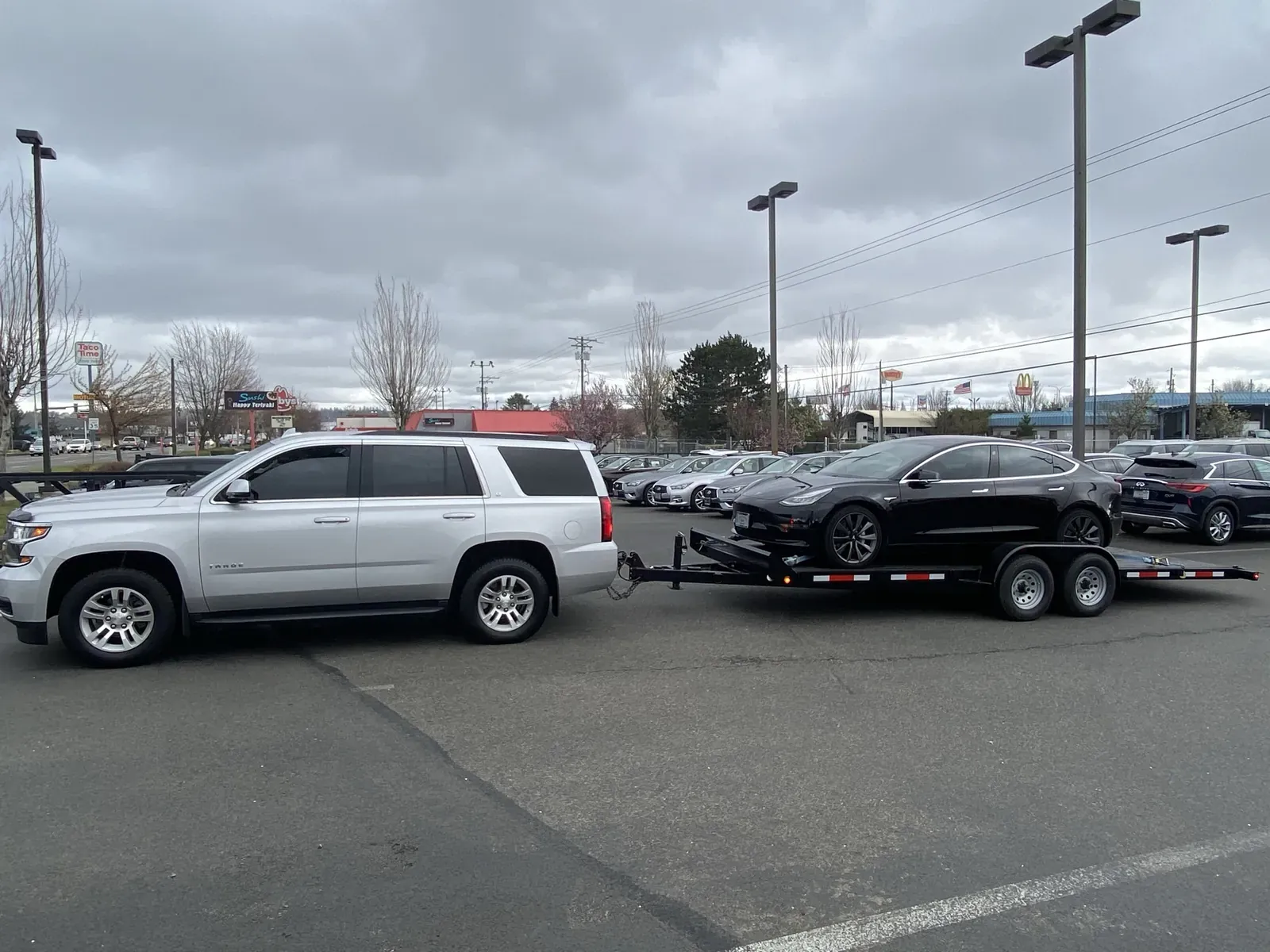
- ☐ Rocker panels (the bottom of the car between the wheels): look for dents. They're common on the Model 3, and if bad enough they can count as structural damage.
- ☐ Every body panel in direct sunlight for color match. A repaint is often slightly off.
- ☐ Bubbles or hairs in the paint can mean a panel was repainted. A repaint isn't really that bad if the damage was mostly cosmetic, but you want to know about it.
- ☐ Panel gaps: on early cars, uneven gaps can be factory, so compare both sides before assuming crash damage.
- ☐ Paint-protection film: ask what's on it. Matte film can make gloss paint look matte. Good PPF on a used car is real value.
- ☐ Camera lenses clean and uncracked (pillars, fenders, front, rear)
- ☐ Headlights and taillights: a little haze after rain is common; standing water or a cracked lens is worth a service request.
3. Outside: glass
- ☐ Windshield, glass roof and rear glass: look for cracks and chips. They're really expensive to fix.
- ☐ Tinted car? Look extra closely at the roof glass. Tinters who aren't used to Teslas sometimes crack it.
4. Underneath
- ☐ Get on the ground and look under all four corners for impact damage.
- ☐ Battery pack underside: scrapes or dents
5. Tires and wheels
- ☐ Tread depth and even wear. Teslas go through tires fast, and owners tend to rotate them less because there are no oil-change visits, which is when rotation usually happens. In my experience tires last a lot longer when they're rotated on schedule. Tesla's manual says every 6,250 miles, or sooner if the tread depth differs by 2/32 inch or more. [15] Uneven wear can also mean alignment issues.
- ☐ Performance cars have staggered wheels (different sizes front and rear), so the tires can't be rotated, and they cost more to replace. If tire bills matter to you, a Long Range may suit you better.
- ☐ Performance cars often come on performance tires; plan on all-season or winter tires if you'll drive in snow.
- ☐ Tire pressures on the screen match the door-jamb placard
- ☐ Curb rash on wheels
6. Inside: every control
- ☐ Screens: look for cracks on every screen, and make sure each one responds.
- ☐ Older Model S/X (2020 and earlier): check the main screen for delamination or bubbling around the edges. UV light treatment can improve it, but it usually takes a full screen replacement.
- ☐ Every power seat, every mirror, the power steering-wheel adjustment, every button and every window switch
- ☐ Door handles (on an older Model S, try every pop-out handle; they're a known failure point), seat heaters, cabin heat and A/C, the horn
- ☐ Model X: make sure every rear seat folds down and back up.
- ☐ Air suspension (Model S/X): raise and lower it, and check for fault messages or signs of leaks.
- ☐ Seats: Tesla's synthetic upholstery resists stains well, but damage is hard to repair and can mean replacing a whole panel. Look closely.
- ☐ Steering wheel rim for peeling or wear
- ☐ Phone key and key cards pair
- ☐ Water stains or musty smell (it rains here)
7. Software, Autopilot and what transfers
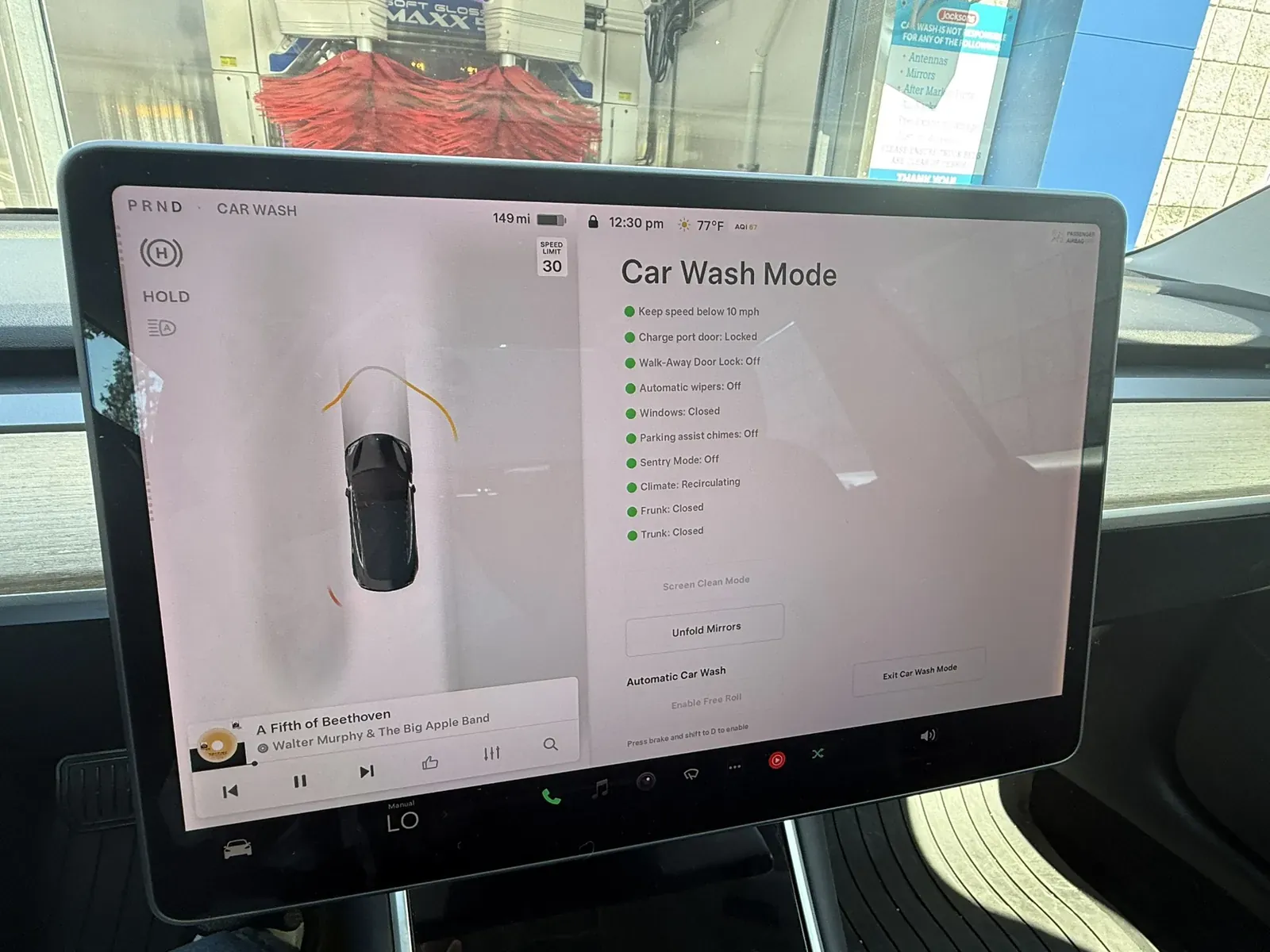
- ☐ Software version (Controls > Software)
- ☐ Autopilot computer: under Controls > Software > Additional Vehicle Information. The computer line shows the hardware version: 3 means HW3, and 4 or AI4 means HW4. The exact label varies with software version. [11] [12]
- ☐ FSD: you can't buy FSD outright from Tesla anymore (subscription-only in the US since Feb 14, 2026), so FSD a previous owner bought has real value. [10] [16] Under Controls > Software, purchased FSD shows as Full Self-Driving Capability in the included package. If it shows an auto-renewal date, it's the seller's subscription and it leaves with them. [16]
- ☐ Ask whether any owner moved FSD to another Tesla. Tesla says purchased FSD stays with the car for the next owner, unless it was transferred to a new Tesla under the transfer program that ended March 31, 2026. [16] Don't pay a premium until it shows on the car after the transfer to your account.
- ☐ Paid upgrades like Acceleration Boost: confirm they're listed on the Software screen. I've seen them stay with the car, but don't count on it; Tesla says upgrades and credits may not transfer. [14]
- ☐ Premium Connectivity: it's a subscription, and the seller's ends when they remove the car from their account. Standard Connectivity comes with the car for 8 years from its original delivery. [14] [17]
- ☐ Free Supercharging: Tesla's terms say promotional free Supercharging and credits end when the car is sold. [18] Only the old free unlimited Supercharging on some early Model S and X cars has been known to stay with the car, and Tesla has removed it on some resold cars. [19] On a 2026 Model S or X with the Luxe Package, Tesla's terms say the package's free Supercharging and Premium Connectivity end at sale. [20] Confirm in writing what's on the car and what transfers to you. Don't assume.
- ☐ Don't count on a free FSD trial. Tesla's current trial is only for cars delivered new by Tesla, and third-party purchases aren't eligible. [13] If you want to try FSD, a one-month subscription is the way to do it. [10]
The longer version of the computer check is the HW3 vs HW4 guide.
8. Battery
- ☐ Service Mode check: Controls > Software, press and hold the "MODEL" name, type service. Service Mode is basically a built-in scan tool; I've never needed an OBD reader on a Tesla. Look for faults or alerts on the high-voltage battery, drive units and electrical system. [8] Look, don't touch: don't change settings or run anything, or you could mess up the car. Exit through Controls > Service Mode > Exit Service Mode.
- ☐ 100% test: charge to 100% and drive 10–20+ miles. Watch how fast the percentage drops. With a private seller, ask them to charge to 100% before you arrive. At a dealer, ask for an overnight test drive so you can charge at home; many dealers allow it. Otherwise, get it in writing that you can return the car if the battery has problems or is more degraded than you were told.
- ☐ Controls > Service > Battery Health (if present); note the date of any test result [5]
- ☐ Range math: miles ÷ % × 100, compared with the EPA rating for that trim and wheels [6]. Don't judge it while the pack is cold (blue snowflake).
- ☐ Expect 90%+ of original range on a newer, low-mile car. There's no fixed cutoff for older cars, because range drops with miles, but most of the loss comes early and then levels off. A young car that's already well under 90% needs an explanation.
- ☐ Battery type: Controls > Software > Additional Vehicle Information (LFP cars list "Lithium Iron Phosphate") [9]
- ☐ No BMS or thermal alerts on screen [5]
9. Charging
- ☐ Plug into a Level 2 charger if you can; confirm it charges and the charge port door works
- ☐ Mobile connector and adapters included? Tesla stopped putting a Mobile Connector in with new cars ordered after April 2022, so many newer cars never had one. [21]
- ☐ Teslas use the NACS plug. To use CCS fast chargers you need Tesla's CCS adapter, and not every car supports it; check Controls > Software > Additional Vehicle Information. [22]
- ☐ Charge port latch works in cold or wet weather
10. Test drive (20+ minutes)
- ☐ Regen and brakes feel smooth
- ☐ Clunks over bumps
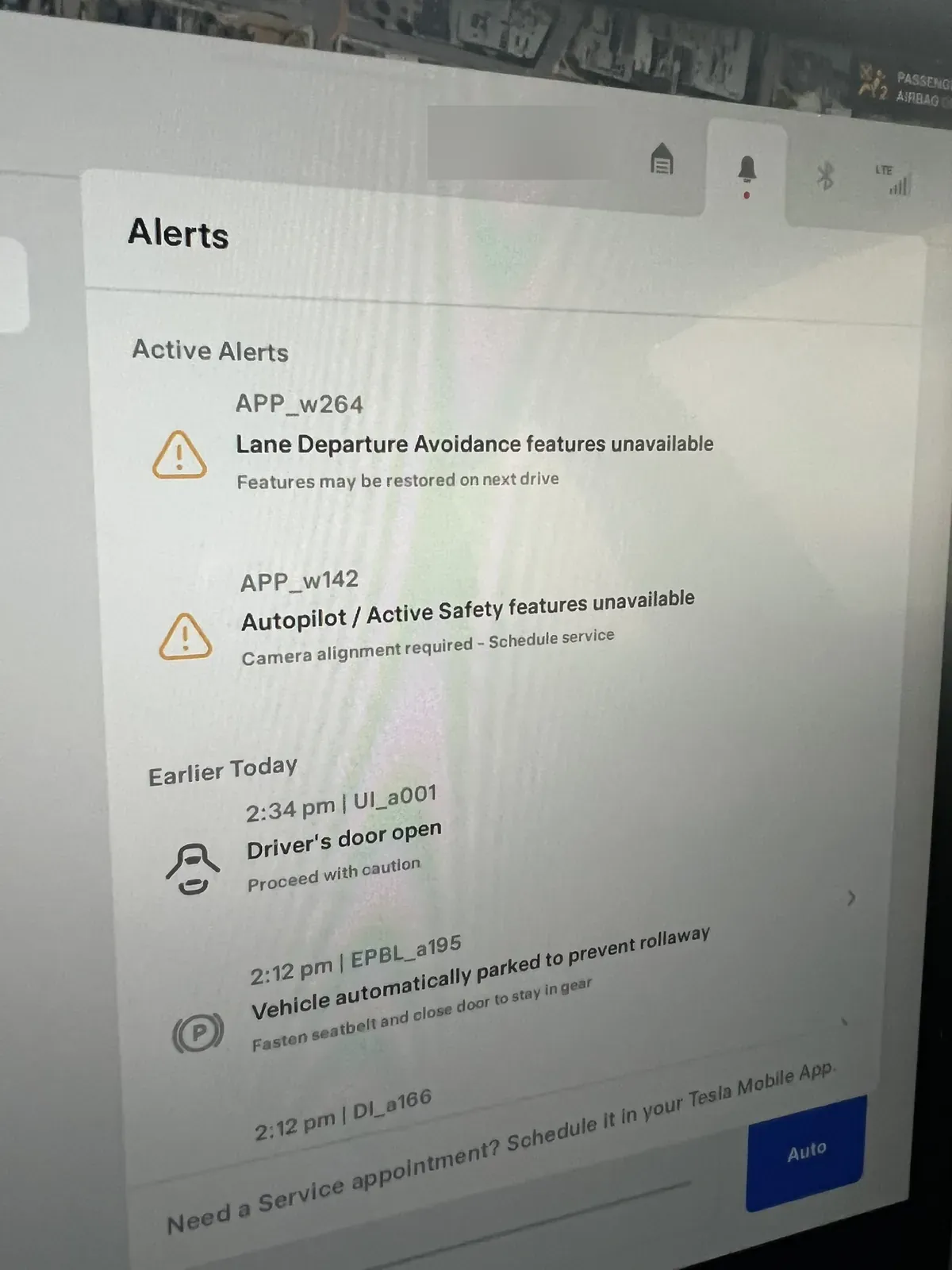
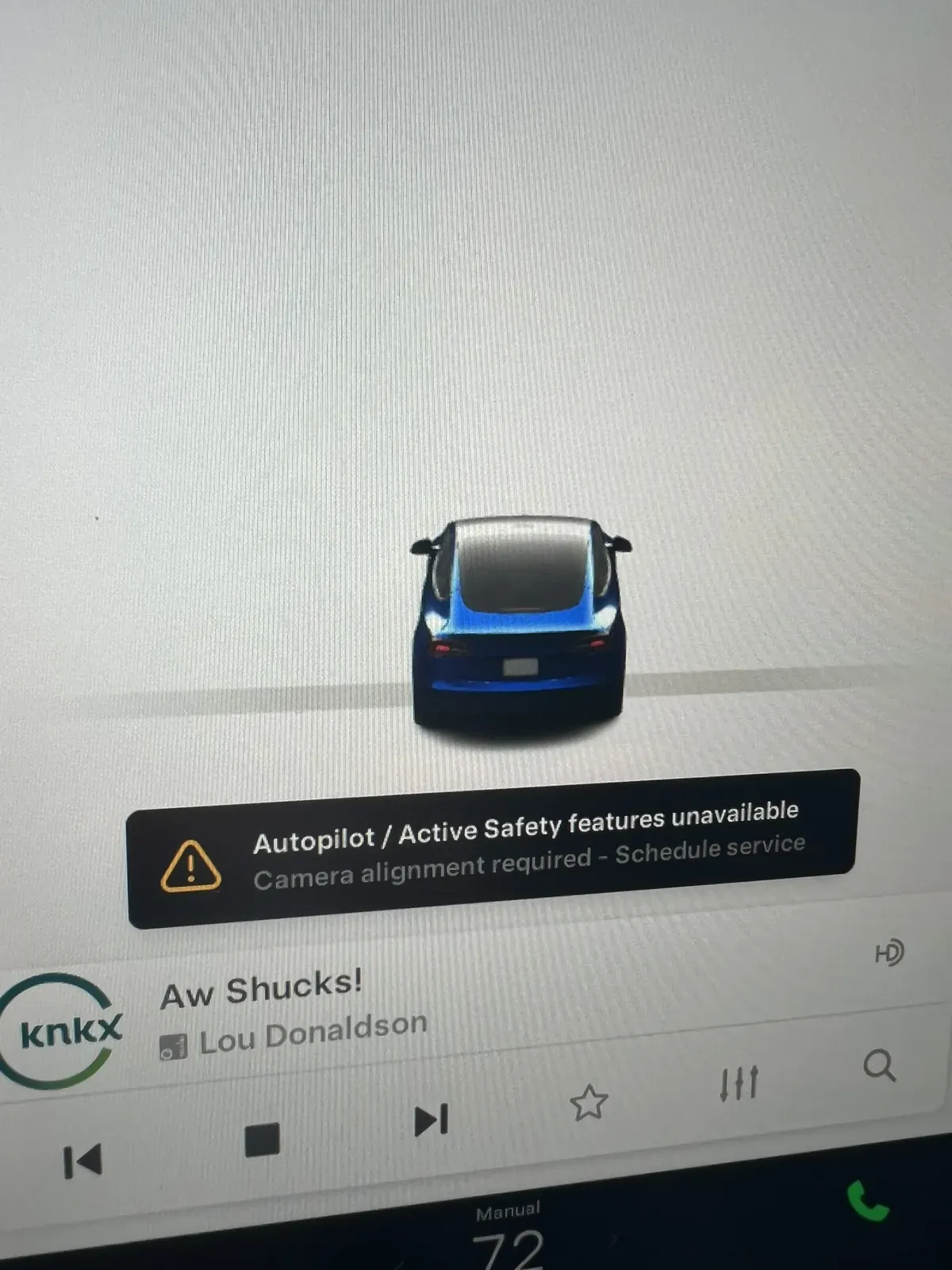
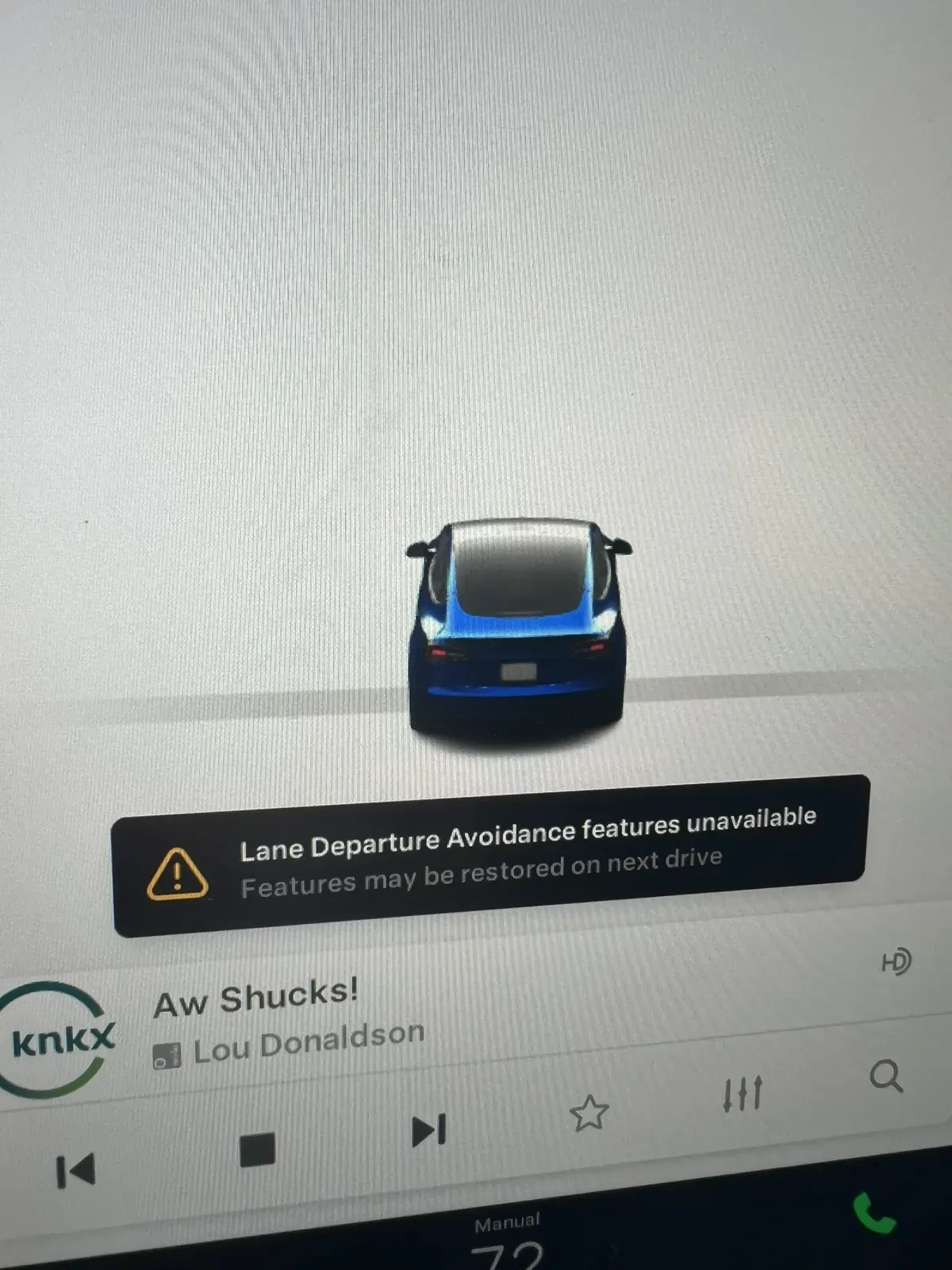
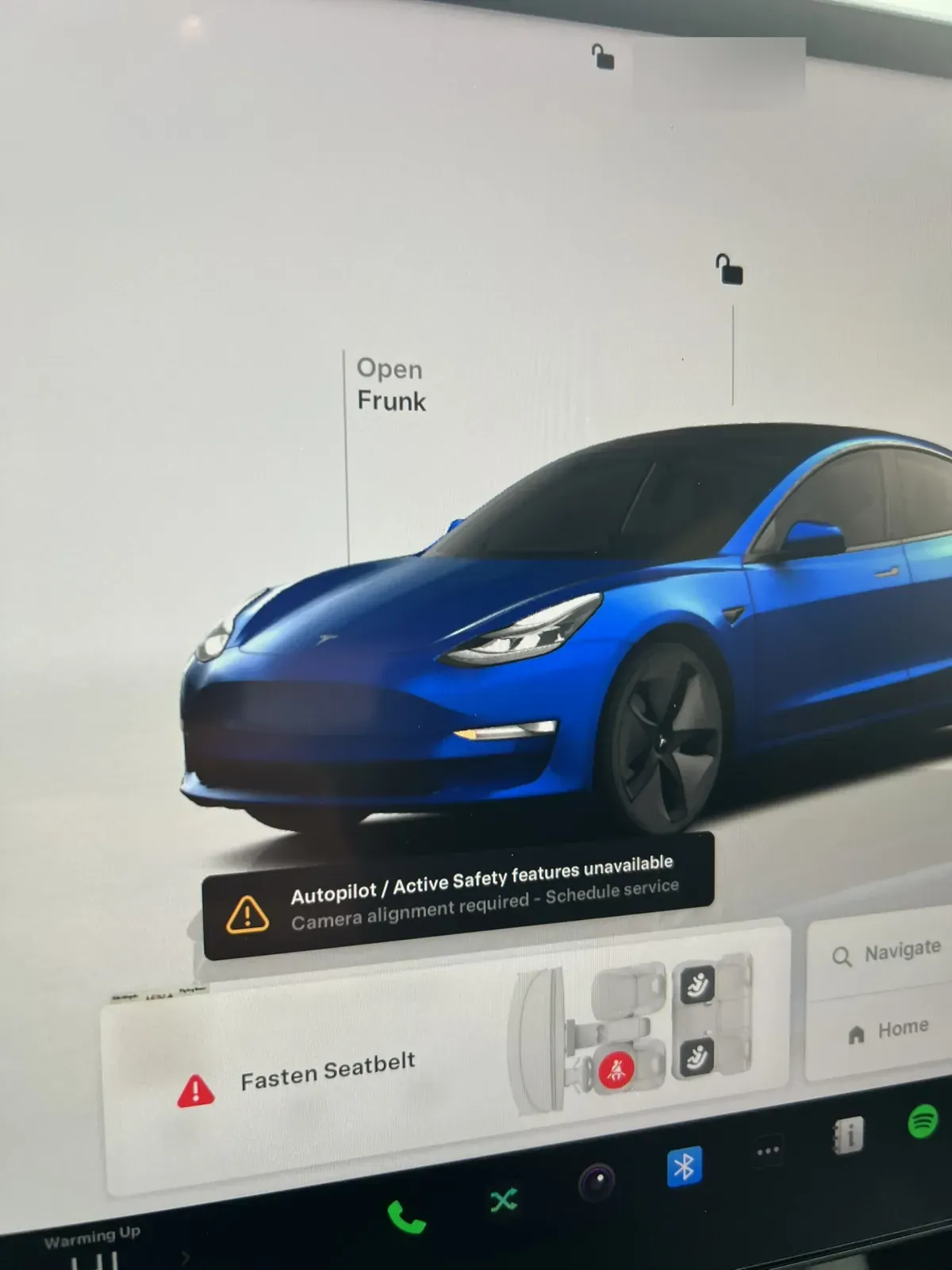
- ☐ No warning messages. If an alert pops up, read it instead of dismissing it.
- ☐ Autopilot or TACC engages (where equipped). Basic Autopilot won't stop for lights or stop signs, so use it on the highway. Newer cars may have TACC only: the 2026 Model 3 and Y Standard trims came without Autosteer, and new Model 3s and Ys ordered from January 2026 got TACC only, with lane centering part of the FSD subscription. [23]
- ☐ If the car has FSD, set a destination and let it drive the route. Supervise it.
- ☐ Road noise and rattles at highway speed (I-5 is a good test). A healthy Tesla should be quiet even at high miles.
- ☐ Software screen: a red underline under the trim name means a real Performance
- ☐ Sentry Mode and dashcam: there's a USB drive in the glovebox and it records
- ☐ Ask how old the 12V battery is (they tend to go around year five or six)
- ☐ Plaid or Performance: try the acceleration with your passengers before you assume they'll love it
11. Before you pay
- ☐ Title signed correctly; any lien release in hand
- ☐ Seller removes the car from their Tesla account (My Products > Remove or Transfer Ownership); you claim it in your app (My Products > Add Product) with your title or bill of sale. Tesla says it can take up to 48 hours. [14]
- ☐ You have the key cards (and know how to set up your phone as a key); keep a card as a backup
- ☐ If you agreed on a battery return window, it's in writing
- ☐ Washington title transfer within the state deadline (late fees start on day 16) [7]
Sources
- NHTSA recalls: https://www.nhtsa.gov/recalls
- Tesla Vehicle Warranty: https://www.tesla.com/support/vehicle-warranty
- IRS, Used Clean Vehicle Credit: https://www.irs.gov/credits-deductions/used-clean-vehicle-credit
- WA DOL, EV tax exemptions (expired): https://dol.wa.gov/vehicles-and-boats/vehicles/taxes-and-fees/tax-exemptions-alternative-fuel-vehicles-and-plug-hybrids
- Tesla Model 3 Owner's Manual, Battery Health: https://www.tesla.com/ownersmanual/model3/en_us/GUID-B9807218-7291-4F68-9AFF-7C525CF498F3.html
- tbx.report battery guide: https://tbx.report/guides/used-tesla-battery-health
- WA DOL tab fee table (title transfer late fee): https://dol.wa.gov/vehicles-and-boats/vehicles/vehicle-registration/calculate-vehicle-tab-fees
- Tesla Service Manual, Service Mode (enable/disable): https://service.tesla.com/docs/Model3/ServiceManual/en-au/air/GUID-1295FB92-F7BD-4CF2-AA5B-C7D23A978AB2.html
- InsideEVs, Tesla recommends charging Model 3 RWD's LFP battery to 100% (quotes the owner's manual): https://insideevs.com/news/557527/tesla-model3-lfp-charging-recommendations/
- CNBC, Musk says Tesla is moving Full Self-Driving to a monthly subscription (Jan 14, 2026): https://www.cnbc.com/2026/01/14/musk-tesla-full-self-driving-subscription-fsd.html
- Tesla Support, AI computer: https://www.tesla.com/support/ai-computer
- Not a Tesla App, How to check if your Tesla has HW3 or AI4: https://www.notateslaapp.com/news/2173/how-to-check-if-your-tesla-has-hardware-4-ai4-or-hardware-3
- Tesla Support, FSD (Supervised) Trial for New Owners: https://www.tesla.com/support/fsd/trial-for-new-owners
- Tesla Support, How to Add or Remove Vehicles in the Tesla App: https://www.tesla.com/support/how-add-or-remove-vehicles-tesla-app
- Tesla Model 3 Owner's Manual, Maintenance Service Intervals: https://www.tesla.com/ownersmanual/model3/en_us/GUID-E95DAAD9-646E-4249-9930-B109ED7B1D91.html
- Tesla Support, Full Self-Driving (Supervised) FAQ: https://www.tesla.com/support/fsd
- Tesla Support, Connectivity: https://www.tesla.com/support/connectivity
- Tesla Terms, Vehicle Charging Policy: https://www.tesla.com/legal/terms
- Find My Electric, Does Free Supercharging Transfer When You Sell Your Tesla?: https://www.findmyelectric.com/blog/does-free-supercharging-transfer-when-you-sell-your-tesla/
- Tesla, Luxe Package agreement (PDF): https://www.tesla.com/app-assets-configurator/pdf/Premium_Package_Agreement.pdf
- Electrek, Tesla stops including charging hardware with new cars (Apr 16, 2022): https://electrek.co/2022/04/16/tesla-goes-full-apple-stops-delivering-cars-with-included-charging-cable-now-sold-separately/
- Tesla CCS Combo 1 Adapter Owner's Manual (PDF): https://digitalassets.tesla.com/tesla-contents/image/upload/ccs-combo-1-adapter-owners-manual.pdf
- InsideEVs, Tesla Removes Autosteer From All Model 3 And Model Y Trims (Jan 2026): https://insideevs.com/news/785225/tesla-removes-autopilot-base-models/